H3 Image Prompt Guide: Start with a Clearer Brief
An image prompt guide for MiniMax H3 Image: turn a loose idea into a focused brief, from the subject and light to the final composition.

This image prompt guide starts with a practical question: what should the viewer notice first? A clear answer gives the rest of your brief a purpose. In MiniMax H3 Image, you can describe a new scene or pair instructions with references. Either way, begin with the image you need rather than a long list of attractive adjectives.
1. Give the subject a clear role
In H3 Image, name the main subject, what it is doing, and where it belongs. A portrait needs a person and an expression; a product image needs an object and a placement. If several objects matter, describe their relationship. A bottle beside a folded towel is easier to compose than an unordered inventory of bathroom accessories.
Decide which details are essential before adding atmosphere. Material, shape, color, and placement can each change the result. Keep the most important requirements near the beginning so the brief remains easy to review. Remove details that describe a different scene or compete with the main subject.
2. Describe light and materials together
Use lighting words that explain what a surface should reveal. Side light can emphasize woven fabric, while a broad soft source can reduce strong reflections on a glossy object. Specify a direction and a character for the light instead of stacking several incompatible lighting styles.
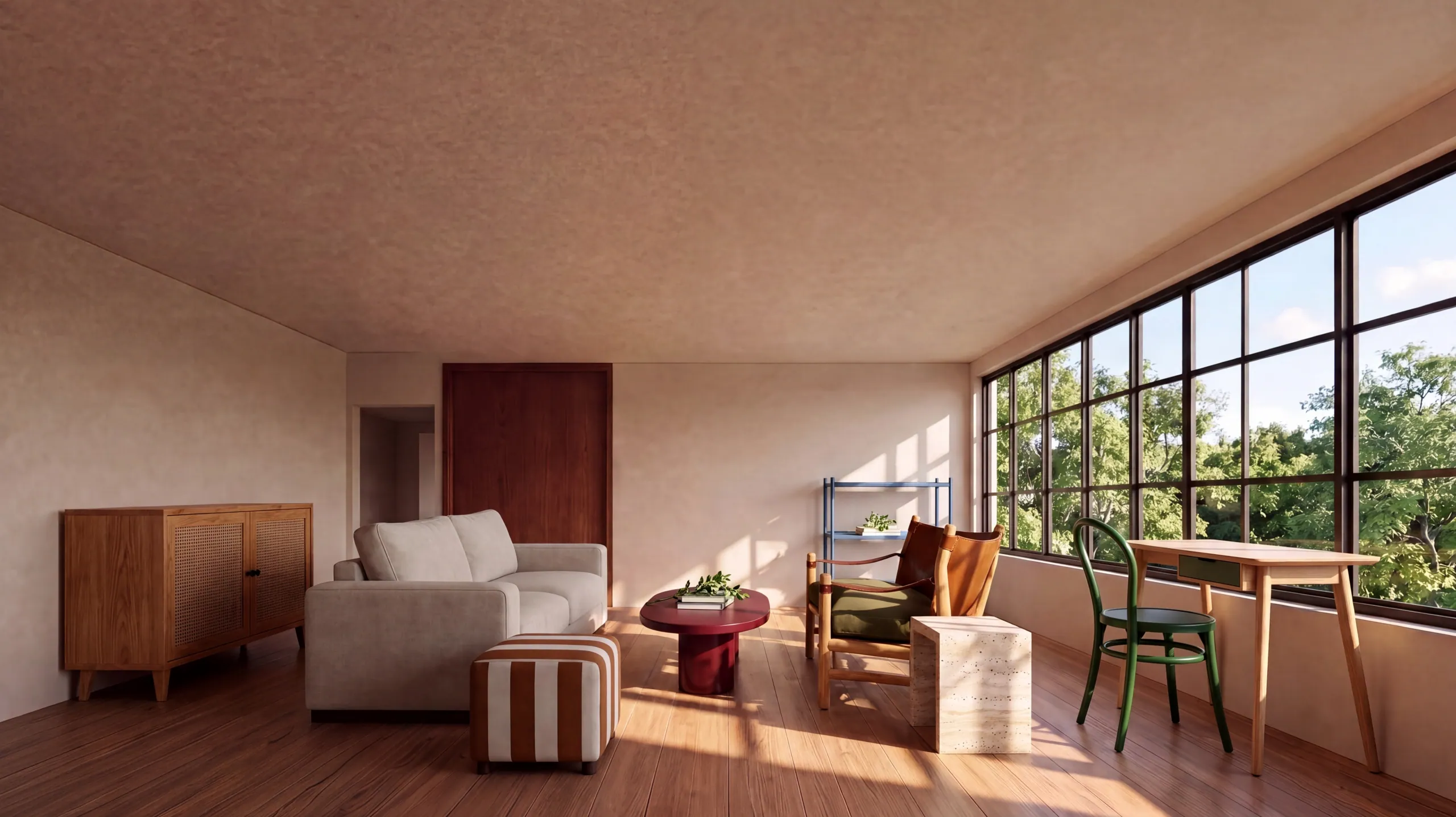
The cover image is an official MiniMax H3 example of a portrait with visible knit texture and window light. Treat it as a visual reference for discussing those elements. It is not evidence that every prompt will reproduce the same face, fabric, or exposure. Inspect the actual result at its original size.
3. Plan for the final placement
Explain the viewpoint, crop, and space around the subject. A wide website banner may need an uncluttered area for a heading. A vertical cover may need the important object away from interface overlays. Choose the H3 Image aspect ratio in the generator as well as describing the composition in words.
Keep layout requirements separate from decorative language. If you need room for text, say where that room should be. Add exact brand lettering later in your design tool when accuracy matters, and review any lettering that appears in the generated picture before using it.
4. Refine one decision at a time
Use this image prompt guide as a review checklist after the first result. When refining a MiniMax H3 Image result, check the subject, lighting, and crop against your brief. Change the single requirement that matters most, then compare the next version against the same criteria. Changing every instruction at once makes it harder to learn what helped.
Save the prompt beside the downloaded image, including the chosen model, resolution, and ratio. A useful image prompt guide helps you make repeatable decisions; it does not promise identical outputs. When you need to preserve a specific visual element, explore reference image editing and state what should remain unchanged.